



















 By
By
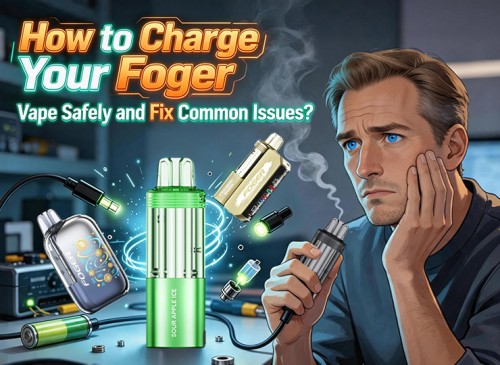
We all want our devices to work flawlessly. However, when a Foger Vape doesn't hit or charge, it can quickly lead to a frustrating experience. Fortunately, most issues can be resolved with straightforward solutions. In seconds, you can fix battery problems, weak flavor, or a lack of vapor. This guide gives you simple, effective answers to the most common Foger Switch Pro problems, so you're not spending as much time troubleshooting and more time enjoying your vape.
Understanding Your Foger Switch Pro
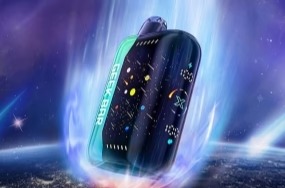
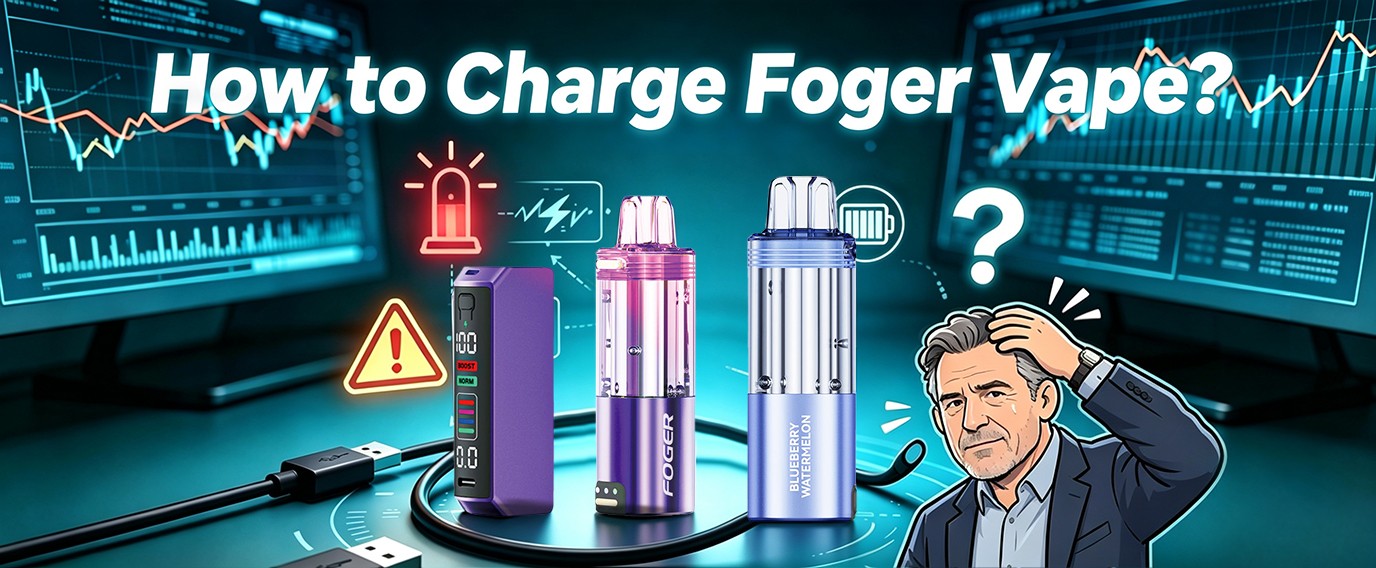
To resolve problems, it is essential to know the device. The Foger Switch Pro Kit comes in two pieces:
• This is the Power Bank that can be recharged and has a USB-C port and OLED screen (850mAh). A fee you are billed for directly.
• Refill Pod: This contains 19ml of e-liquid and the heating coil. It has no charging port and should never be connected to a power source.
• They are connected to strong magnets to form a complete Foger Switch Pro Pods system. There's also a small 200mAh battery to power the pod when it's not connected to the dock.
The Rule: ALWAYS charging the dock, NEVER charging the pod. If it's not charging, check the dock and its connection.
How to Safely Charge a Foger Vape
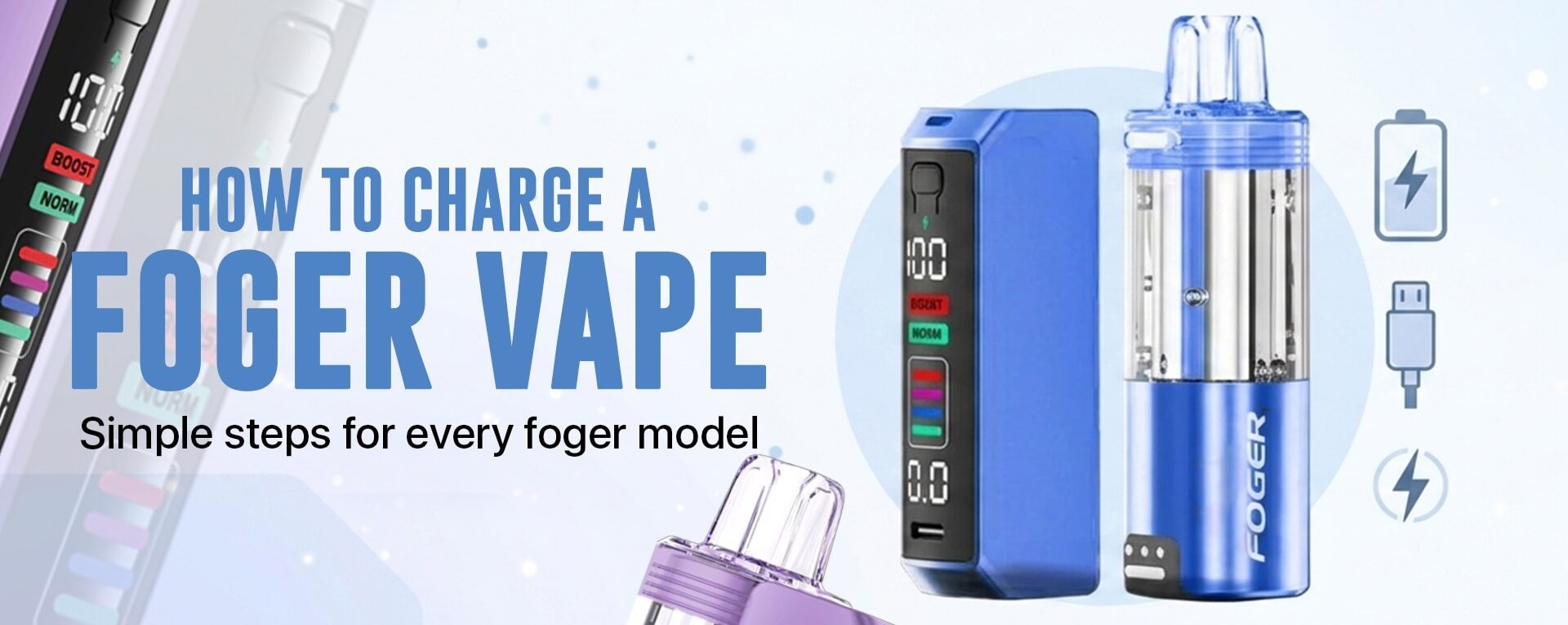
The charging process is easy, but the wrong equipment can cause problems. According to the U.S. Food and Drug Administration (FDA), using a high-power cell phone or laptop charger is the most common source of fires and explosions in vaporizers, according to the FDA. Many vape fires are also "entirely avoidable" because of the "unsafe charging practices", the BBC also reports.
To safely charge your Foger Switch Pro:
1. Put the Foger vape power bank on a flat, heat-safe surface in the Dock.
2. Clean the Pod: Make sure the Foger pods are clean. The magnetic attachment should be comfortable to hold.
3. Connect to the bottom of the dock with a Standard USB-C Cable.
4. Use a Low-Power 5V Adapter: Connect the USB-C cable with a regular USB wall adaptor (5V/1A-2A) or a USB port of a computer.
5. Monitor the Screen: The OLED screen will light up, displaying a lightning bolt icon along with the battery percentage increasing.
6. Unplug When Charged: If the screen shows that the dock is charged, unplug it. A full charge takes approximately 45-60 minutes.
Common Foger Vape Issues and How to Fix Them
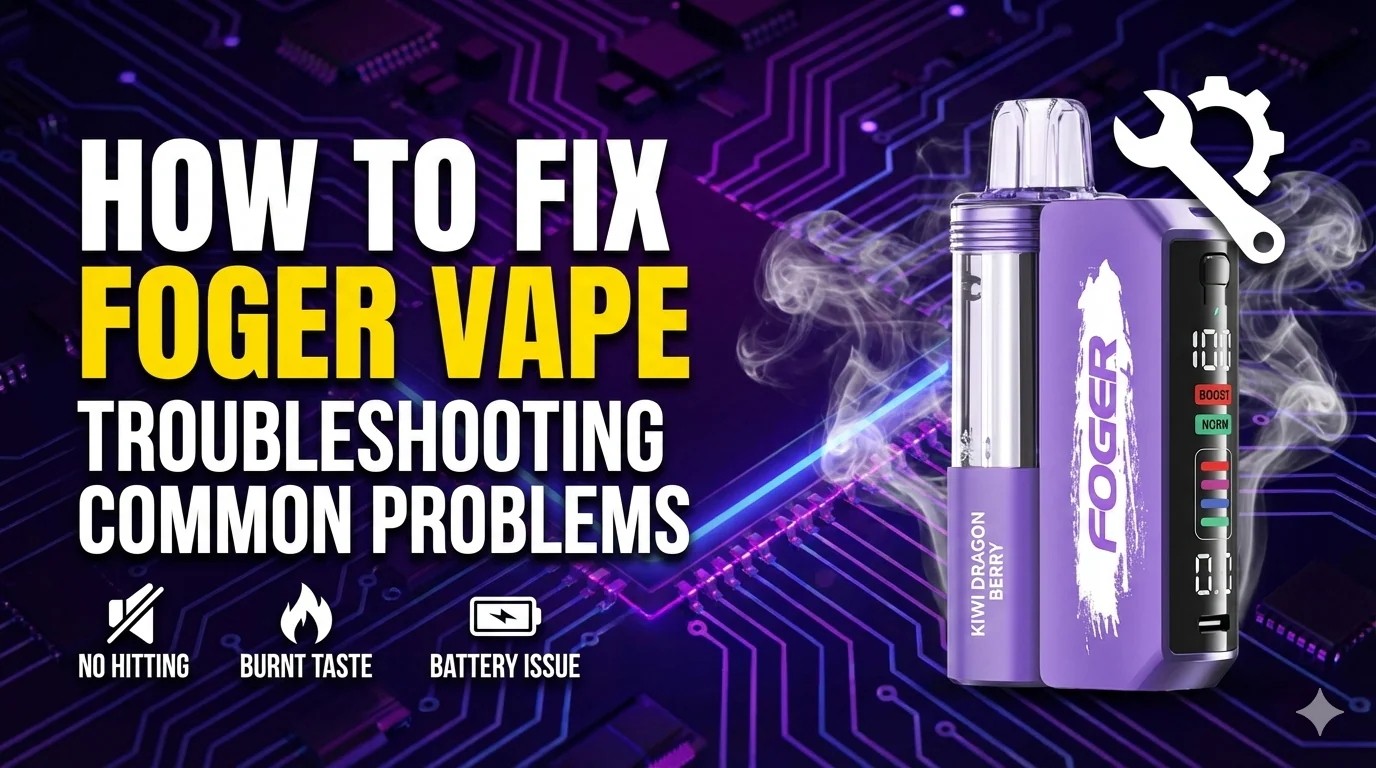
Here is a quick troubleshooting table for quick reference.
| Issue | Possible Cause | Quick Fix |
| Doesn't Charge | Wrong charger, dirty port | Use a 5V charger, and clean the port with a toothpick |
| Won't Hit / No Vapor | Airflow blocked, pod not seated | Clear air intake with pin, re-seat pod |
| Blinking or Error Code | Low battery, connection error | Charge the dock, clean metal contacts |
| Burnt or Weak Taste | Low e-liquid, empty pod | Swap in a new Foger switch pro pods unit |
| Auto-Firing (Hitting by itself) | Liquid in the airflow sensor, faulty pod | Remove pod, clean connections, replace pod |
Foger Vape Not Charging
When devices don't charge, it's just a simple thing to investigate.
• Problem: The dock screen doesn't light up when plugged in.
• Temporarily: Use a different USB-C cable. Cables tend to get old. Also, use a regular Foger vape charger (5V), not one designed for charging a phone.
• Solution: If the dock screen does not light up even when the pod is charging, the device is damaged.
• Fix: This is most probably a connection problem. Take out the pod and put it back into the magnetic dock securely. Use a dry cotton swab to wipe the four metal contact pins on both the dock and pod.
Foger Vape Not Hitting or Working
This is a common issue that can have multiple causes.
The device sounds clogged, or you inhale, but do not receive any vapor.
• Solution #1: Examine the air intake holes in the pod at the bottom of the pod. If obstructed, use a pin or a toothpick to remove them.
• Fix #2: The pod could not be positioned properly. Unplug it and replug it with a snug click.
• Troubleshoot #3: The buffer battery in the pod may be flat. Place the pod on the charged dock for 10 minutes to recharge it.
Foger Vape Blinking or Showing an Error Code
The OLED screen is a good diagnostic tool.
• Error E1: means that the pod is not detected. Typically results from dirty or misaligned magnetic contacts. Clean and replace contacts.
• Error E2: The inside board temperature is too high. The device will automatically shut down to cool off. Don't use it while charging and leave it aside for a couple of minutes.
Routine and Best Practices:
It takes a little care to go a long way. Here are some tips to help you enjoy your visit more.
Foger vape refill pods are pre-filled to keep you from spilling. Once that flavor has dwindled or the e-liquid in the clear tank vape is depleted, just replace the entire pod.
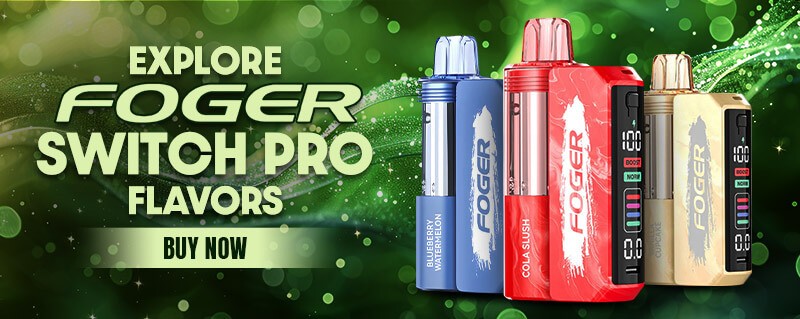
The extensive range of Foger vape flavors is a great advantage. Don't have any fear of trying candy flavors such as Gummy Bear or dessert flavors such as Strawberry Cupcake, though, as well as popular geek bar flavors such as Blue Razz Ice and Strawberry Watermelon.
Easy Flavor Swapping: Change up flavors without needing to change out the entire device? The Foger switch pro pods system allows you to do just that. Don't forget a charged dock and change the mood by changing out the Foger pods.
Is the Foger Switch Pro Kit Right for You?
When compared to other high-puff devices, the Foger switch pro pods system offers unique value.
| Feature | Foger Switch Pro | Typical High-Puff Disposable |
| E-Waste | Lower (reusable battery) | High (entire unit discarded) |
| Flavor Switching | Easy (swap pods) | Not possible |
| Cost Over Time | Lower (buy only pods) | Higher (replace entire device) |
| Battery Recharging | Rechargeable dock | Often not rechargeable |
The Foger vape price point reflects this modular value, making it a more sustainable and cost-effective choice over time if you buy disposable vapes online.
Frequently Asked Questions (FAQs)
Q1: When to change a Foger pod?
If the flavour is weak or burnt tasting, or if the e-liquid has been used up in the clear tank, then it's time for a new tank. The OLED display also records puffs.
Q2: Do you think the Foger Switch Pro is worth it?
Yes, this vape with detachable battery is included with the purchase of the first Foger switch pro kit. Once that's done, you simply have to purchase disposable vapes online, such as replacement Foger switch pro pods, which are cheaper than purchasing disposable vapes every time.
Q3: If my Foger vape doesn't work after charging, try to follow these steps: What now?
Make sure that the pod is well anchored. If so, then the problem is probably with the pod itself: empty, clogged, or burned coil. Upgrade it with a new Foger pods device, which can be simply ordered from reputable online vape shops.
Q4: Can I refill a Foger pod?
Though technically viable, they are intended to be used as sealed Foger vape refill pods. It is not recommended to refill them as this can cause leaks.
Q5: Where to purchase authentic Foger products and replacement pods?
Only buy from trusted and best online vape shops to ensure you're getting the real deal. Fogers can be purchased at a specialised retailer, Morevaping, either as a Foger switch pro kit or as individual Foger switch pro pods.
According to Morevaping's blog of How to Charge Your Foger Vape Safely and Fix Common Issues, proper charging habits and basic troubleshooting can extend your Foger vape's lifespan, improve performance, and help prevent common battery or charging problems.
--Morevaping Blog: https://morevaping.com/blogs/posts/how-to-charge-your-foger-vape-safely-and-fix-common-issues










comments