





















 By
By
Expert Note: As a lead device analyst at Morevaping, I’ve personally tested over 200 kits since 2024. I’ve seen the industry shift from simple sticks to complex "smart" disposables. The most dangerous mistake I see beginners make is trying to "hack" a dead vape to get one last puff. If it wasn't designed to be recharged, don't force it. Here is my field guide to identifying and charging your device safely.
1. The 3-Point Visual Inspection
Before you reach for a cable, perform this quick physical audit. In 2026, even "stealth" rechargeables must follow specific design markers.
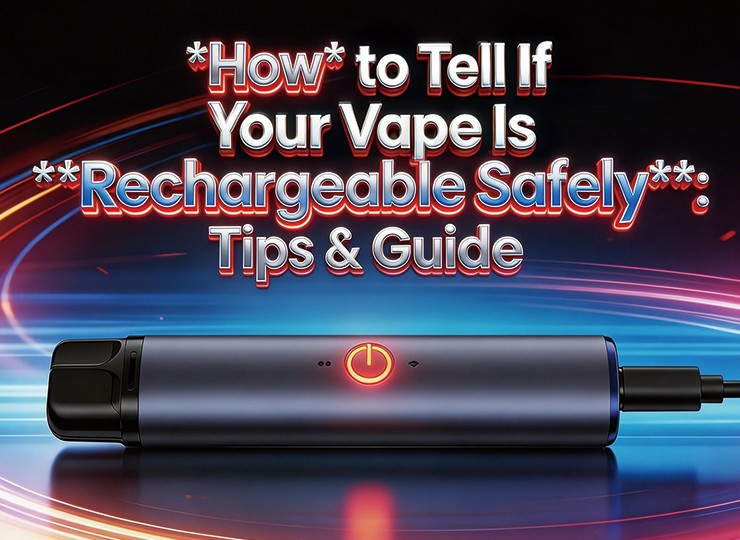
- The Port Check: Examine the base. A safe rechargeable vape features a recessed USB-C port. If you see a tiny, pin-sized hole without a metallic interior, that is an airflow intake—do not attempt to plug a cable into it.
- The Puff Count Rule: In the current market, if your device claims 5,000 to 30,000 puffs, it is rechargeable. A standard single-use battery cannot physically sustain that many heating cycles.
- LED Logic: Rechargeable units use "status lights" that pulse or stay solid during a charge, whereas non-rechargeable models only blink to signal they are empty.
Quick Identification Table
| Feature | Rechargeable (Safe) | Non-Rechargeable (Danger) |
|---|---|---|
| Charging Interface | USB-C or Micro-USB port | Sealed base (Air holes only) |
| Manufacturer Label | "Rechargeable" or "Type-C" | "Disposable" / "Single Use" |
| Battery Logic | Built-in IC Protection Chip | Primary cell (No circuit protection) |
| LED Response | Steady glow when plugged in | Rapid 10x blink (Depleted) |
Expert Insight
According to the technical safety guide from Hemok Wang from Innokin, "Attempting to recharge a non-rechargeable disposable by disassembling it is extremely dangerous; these devices lack the necessary protective circuitry to prevent overcharging and thermal runaway."
2. Safe Powering: Avoiding "Fast Charger" Damage
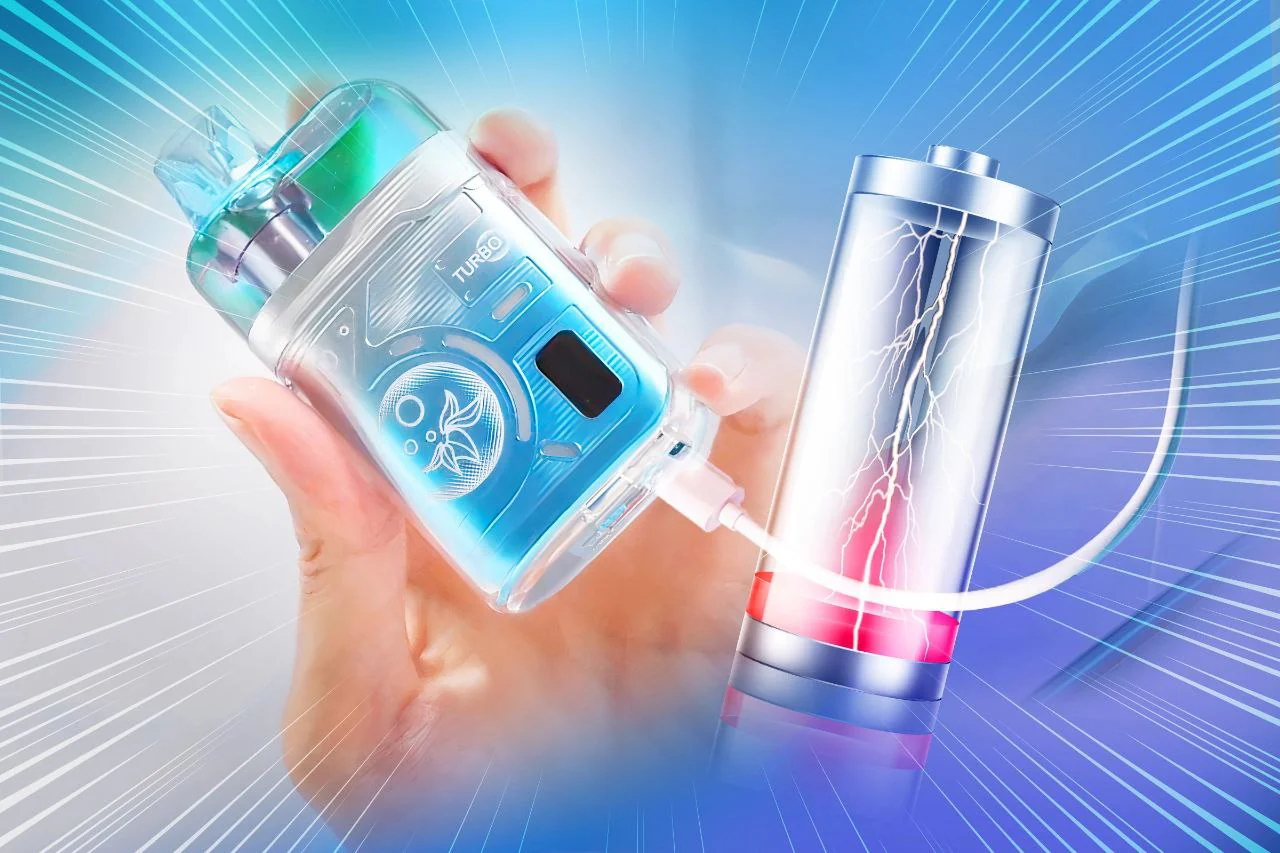
A common mistake is using a 65W or 100W laptop brick. Most disposable vapes are built for low-amperage charging. High-wattage chargers can overwhelm the small batteries found in vapes, leading to overheating.
2026 Recommended Charging Sources
| Power Source | Safety Rating | Technical Reason |
|---|---|---|
| PC/Laptop USB Port | Gold Standard | Provides a stable 5V/0.5A; minimal battery stress. |
| Standard 5V/1A Block | Recommended | Safe, slow-burn charging for IC chips. |
| Smartphone Fast-Charger | High Risk | High current may bypass protection chips. |
Safety Data Point
The U.S. FDA warns that "using a charger not intended for the specific device is a leading cause of vape-related battery fires."
3. Expert FAQ
Q1: Can I recharge a vape that has no USB port?
Absolutely not. If there is no port, the device is designed for a single discharge cycle. Manual "wire-hacking" is a severe fire hazard.
Q2: Why is my rechargeable vape blinking while on the cable?
This usually indicates a connection error. Try a different USB-C cord. If it flashes red rapidly, the internal safety fuse has likely tripped.
Q3: How long does a full charge take?
Most 2026 models take 45 to 60 minutes. Unplug once the light turns off to avoid overcooking the e-liquid.
Q4: Is it safe to leave it charging overnight?
No. Unlike smartphones, most disposables lack advanced "trickle charge" protection. Overcharging can ruin the flavor.
Q5: My vape tastes burnt immediately after charging. Why?
Charging generates heat, which thins the juice. Always wait 5 minutes before your first puff to let the coil re-prime.
Final Thought: If you're ever in doubt, scan the QR code on the original box. Reputable 2026 brands include a direct link to the device's charging specifications to ensure user safety.











comments